![logo_full_orange@3x (1).png]](https://support.botdoc.io/hs-fs/hubfs/logo_full_orange@3x%20(1).png?height=40&name=logo_full_orange@3x%20(1).png)
Enable your recipients to “reply to” your user's requests directly via email. This means that if this feature is enabled, your users can send out requests, and the recipients can then “reply-to” directly to you as the user who sent the request, vs the recipient getting the "no-reply@bank.com."
This is an Enterprise feature, please click HERE to contact us for further information.
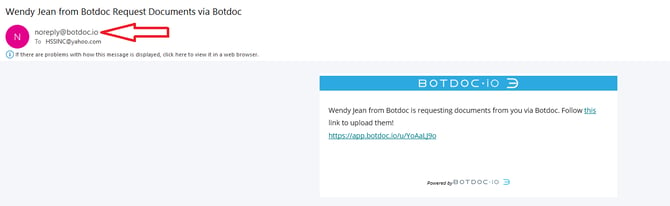
When this feature is disabled
-
Requests are sent from a no-reply address
-
The sender will appear as
noreply@botdoc.ioor your company’s configured SMTP no-reply address, such asnoreply@bank.com -
Recipients cannot reply directly to the user
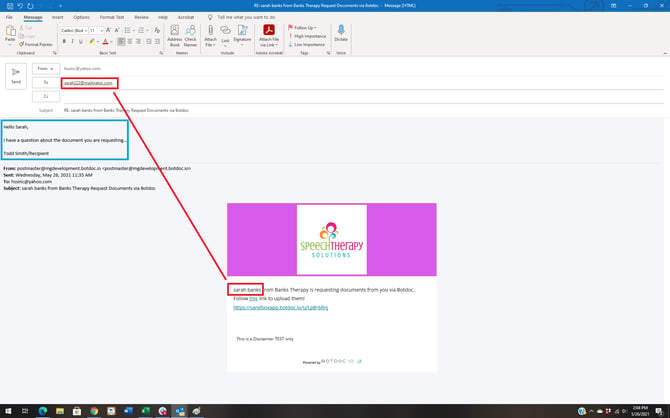
When this feature is enabled
-
Requests are still shown being sent from Botdoc or your teams custom SMTP method
-
Recipients can click Reply in their email client
-
The reply goes directly to the user who sent the request
- Why would I use this?
This allows recipients to respond directly to the person who contacted them, speeding up communication.