![logo_full_orange@3x (1).png]](https://support.botdoc.io/hs-fs/hubfs/logo_full_orange@3x%20(1).png?height=40&name=logo_full_orange@3x%20(1).png)
Partners can offboard a Workspace when a customer is no longer active.
Offboarding removes the Workspace’s MFP configuration and returns any assigned licenses to the Partner’s available license pool.
This action cannot be undone.
How to offboard a Workspace:
-
Navigate to the Workspaces page. Partnerships > Workspaces.
- Locate the Workspace to be offboarded.
- On the Workspace's detail card, click "Offboard Workspace."
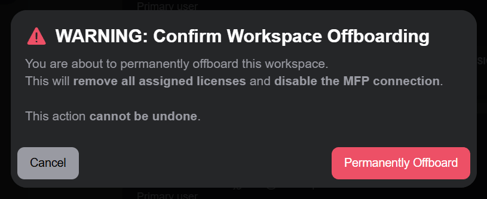
- Review the confirmation message and click "Permanently Offboard" to commit the change.
What happens during offboarding:
-
The licenses assigned to the Workspace are reclaimed.
-
The reclaimed licenses are returned to the Partner’s Available license pool.
-
The Workspace's license counts are moved to 0.